

Best free online journal apps
Disclosure: we run Goodnight Journal, one of the apps recommended below. We have tried to be fair and specific about what every app here does well, but you should weigh our recommendation knowing that.
“Free” covers a lot of ground in journaling apps, and the differences matter more than the word suggests.
Some apps are free in the way that counts: you can write every day, for years, without being asked for anything. Others are free until you hit a cap on entries, or until you want your journal on a second device, or until you want to export what you have written. A few are free because your attention is the product, which is a strange trade for a diary.
So this is a list of online journals you can genuinely use for nothing, with the honest limits of each spelled out. All of them are web-based, so there is nothing to install and your entries are reachable from any browser.
The five covered here
Goodnight Journal
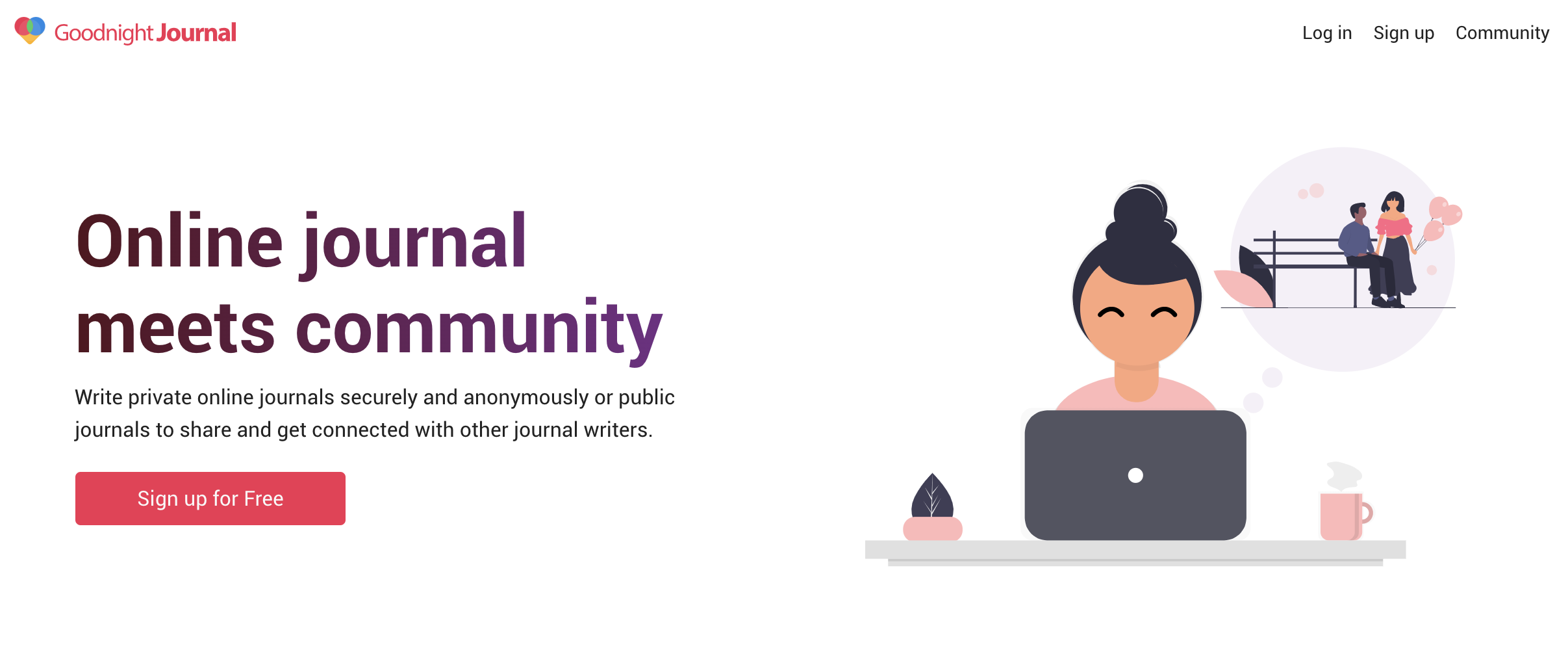
Free for unlimited private journaling. You can write as much as you like, keep every entry private, and read it back from a laptop, phone or tablet without paying for anything. There is no advertising sitting next to your diary.
The part that is unusual, free or otherwise, is the community. Every entry is private by default, and you can choose — entry by entry — to publish one to a community of other journal writers. Most apps are sealed boxes; this one has a door you can open when you want to. If you have abandoned a private journal before because writing into silence stopped feeling worth it, that option is the thing most likely to keep you going.
A paid membership exists and adds more community features, but the writing itself is not what sits behind it.
Day One
Free tier is real but deliberately narrow. You get one journal and basic entries, which is enough to find out whether the app suits you. The things Day One is actually famous for — multiple journals, unlimited photos and video, end-to-end encryption, syncing across devices — sit on the paid side.
Worth being blunt: if you want Day One's full experience, you will end up paying. But the free tier is not a crippled demo, and the writing experience is the most polished on this list. It is strongest on Apple devices, with Android and web versions available.
Daylio
Free, and the free version is the whole idea. Daylio does not ask you to write. You pick your mood, tag what you were doing, and that is a complete entry — about ten seconds. Written notes are optional.
After a few months the charts become the point: you can see plainly which activities lift your mood and which flatten it. The paid upgrade adds more moods, custom tags and themes, but nothing you need to build the habit. Of everything here, this is the one most likely to survive a genuinely busy week, because it never requires you to have something to say.
It is a mood tracker more than a diary, so if you want to write in sentences, look elsewhere on this list.
Penzu
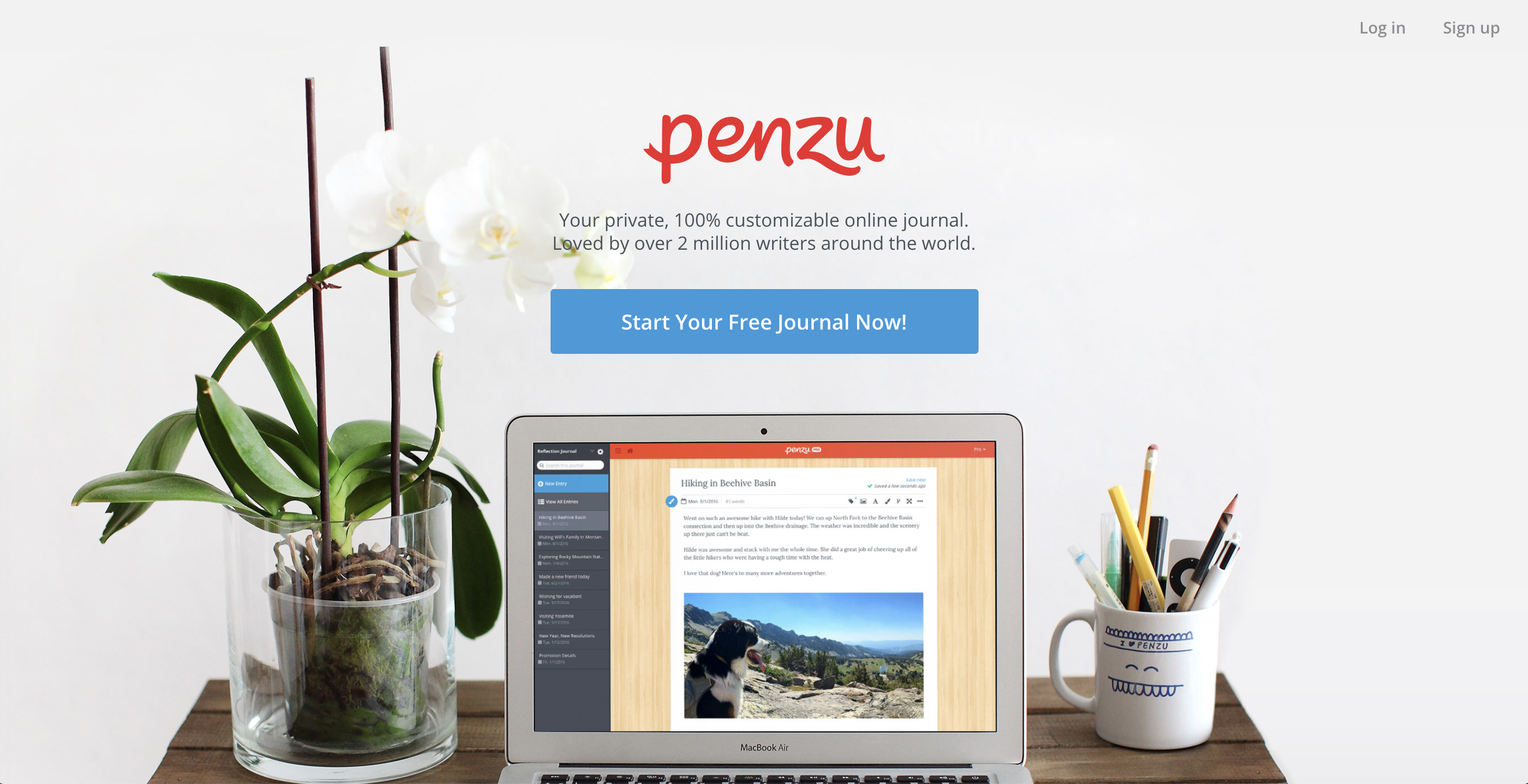
Free for straightforward private writing. Penzu has been doing one thing for a long time: a plain page, locked away, with no social features and nothing to configure. The free tier covers the basic diary, and the paid tier adds stronger encryption and customisation.
If the only thing standing between you and journaling is worry about who might read it, Penzu's single-minded focus on privacy is the appeal. There is nothing clever here, and that is intentional.
My Diary
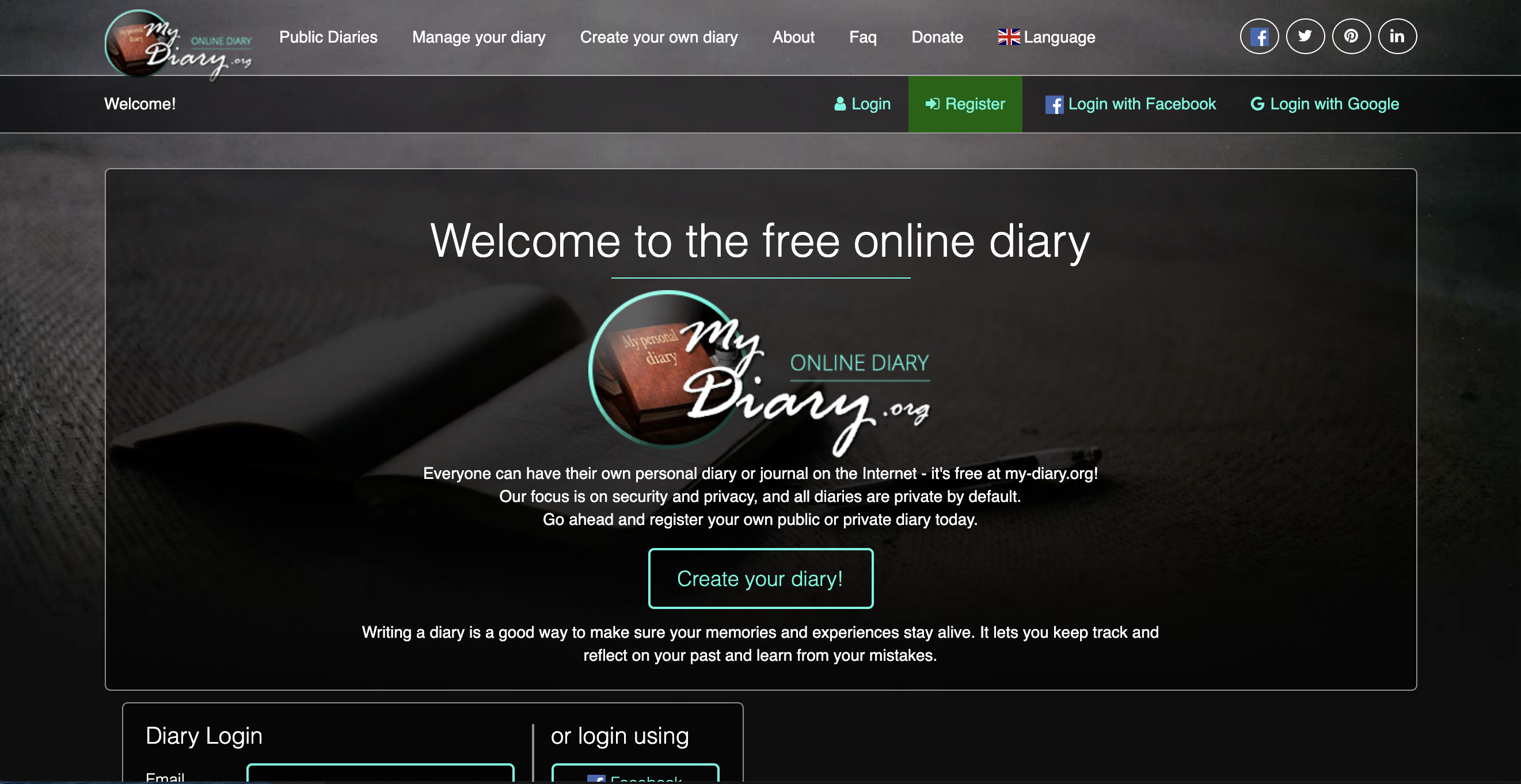
Free, with no paid tier to speak of. One of the older online journals, still doing what it always did. You can write privately or publicly, which is rare, though there is not much of a community built around the public side.
The design feels dated next to everything else here, and that is the trade. If you want something that has been online for years, costs nothing, and asks nothing of you, it still works fine.
What to actually check before you commit
A free journal is only free if you can leave. Three things are worth checking on any app on this list, or any other:
Can you export your entries? This is the one that catches people out. A journal you cannot get out of an app is a journal you have lent to a company rather than written for yourself. Look for an export option before you have three years of entries in there.
Is there a cap you will eventually hit? Entry limits, photo limits and device limits are the usual places a free tier runs out. Better to know now than in month eight.
Are there ads? A diary surrounded by advertising is a diary being read by something. For this particular kind of writing, that matters more than it would in a notes app.
Which one to start with
If you have never kept a journal and are not sure you will stick with it, start with Daylio — ten seconds a day is a habit you can actually keep. If you want to write properly and privately but like knowing you could share something, start with Goodnight Journal. If you want a sealed private diary and nothing else, Penzu. If you suspect you want the polished, photo-rich version and will pay for it eventually, try Day One's free tier first and find out.
All five cost nothing to try, so the sensible move is to use two for a week each and keep whichever one you open without reminding yourself to.
If you are still deciding what kind of journal you want to keep, our guide to the 10 types of journals is a good place to start, and these 20 journaling prompts will get you through the first week. For a fuller comparison of the paid options too, see how to choose the right online journal app.