

Best online journal apps for iPhone
Disclosure: we run Goodnight Journal, one of the apps recommended below. We have tried to be fair and specific about what every app here does well, but you should weigh our recommendation knowing that.
Most "best journaling app for iPhone" lists skip the obvious thing, so let us get it out of the way first: there is already a journal on your iPhone, it is free, and for a lot of people it is good enough.
Apple's Journal app ships with recent versions of iOS. If nobody has told you that, it is probably because telling you is bad for business. So this list starts there, explains honestly when it is not the right answer, and then covers what to use instead.
Apple Journal — start here
It is free, already installed, and the thing it does better than anything else is remove the blank page.
Journaling Suggestions pull together your photos, workouts and outings from the day and offer them as starting points, so instead of staring at an empty screen you tap a suggestion and write about something that actually happened. Those suggestions are generated on your device, and you choose which sources feed them. There are optional writing prompts, reminders when new suggestions are ready, and an Insights view with streaks. You can log your state of mind and have it saved into Health.
If you have tried journaling and stalled at "I don't know what to write," this is the most effective fix on this page, and it costs nothing.
Three honest limits before you commit years of entries to it:
- It is Apple-only. iPhone, iPad and Mac. No web version, no Android. If you work on a Windows machine, or might ever switch phones, your journal does not come with you.
- Getting your writing out is awkward. It can produce a ZIP archive or PDFs — which is technically an export, but no other journaling app can import those. In practice that means your entries are readable but not movable.
- There is no community, and reviewers reasonably call it basic. It is a competent first-party app, not a deep one.
Use it for a month. If it sticks and those limits do not bother you, you are done and you have saved yourself a decision.
Day One
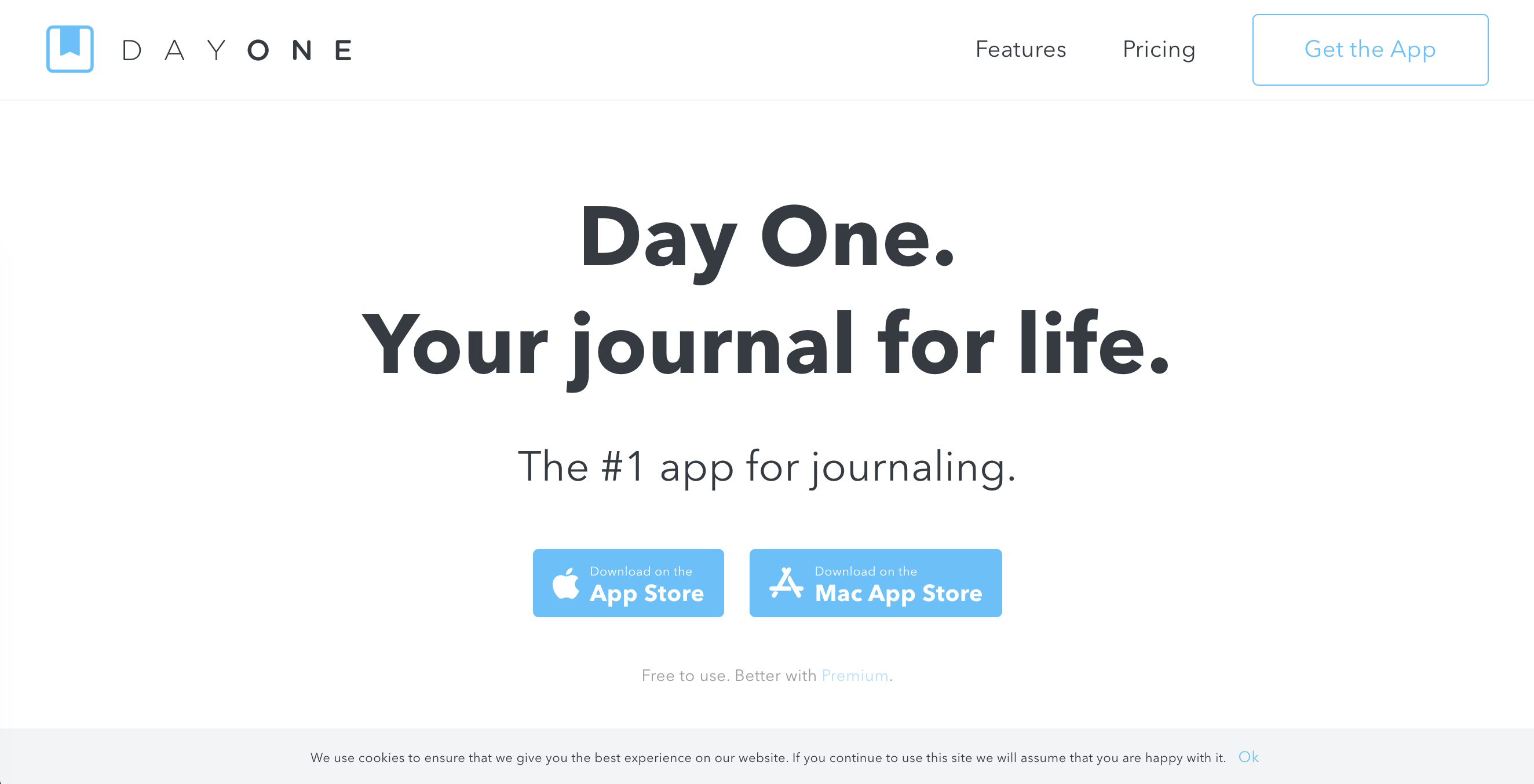
This is where Day One is at its best. It began on Mac and iOS and remains an Apple-first product, which is a caveat everywhere else and an advantage here. It is the most polished journaling app in existence, and on iPhone you get the version the developers clearly care most about.
Entries hold text, photos, video, voice memos and location. It is excellent at resurfacing what you wrote on this day in previous years, which is one of journaling's real long-term pleasures. It can also use Apple's journaling-suggestions data, so you get the blank-page fix without giving up a serious app.
The reason to choose it over Apple's free one is end-to-end encryption, which nothing else here offers. If "nobody but me could technically read this" is a hard requirement, that settles it — accepting the trade that losing your key means losing your journal.
Goodnight Journal
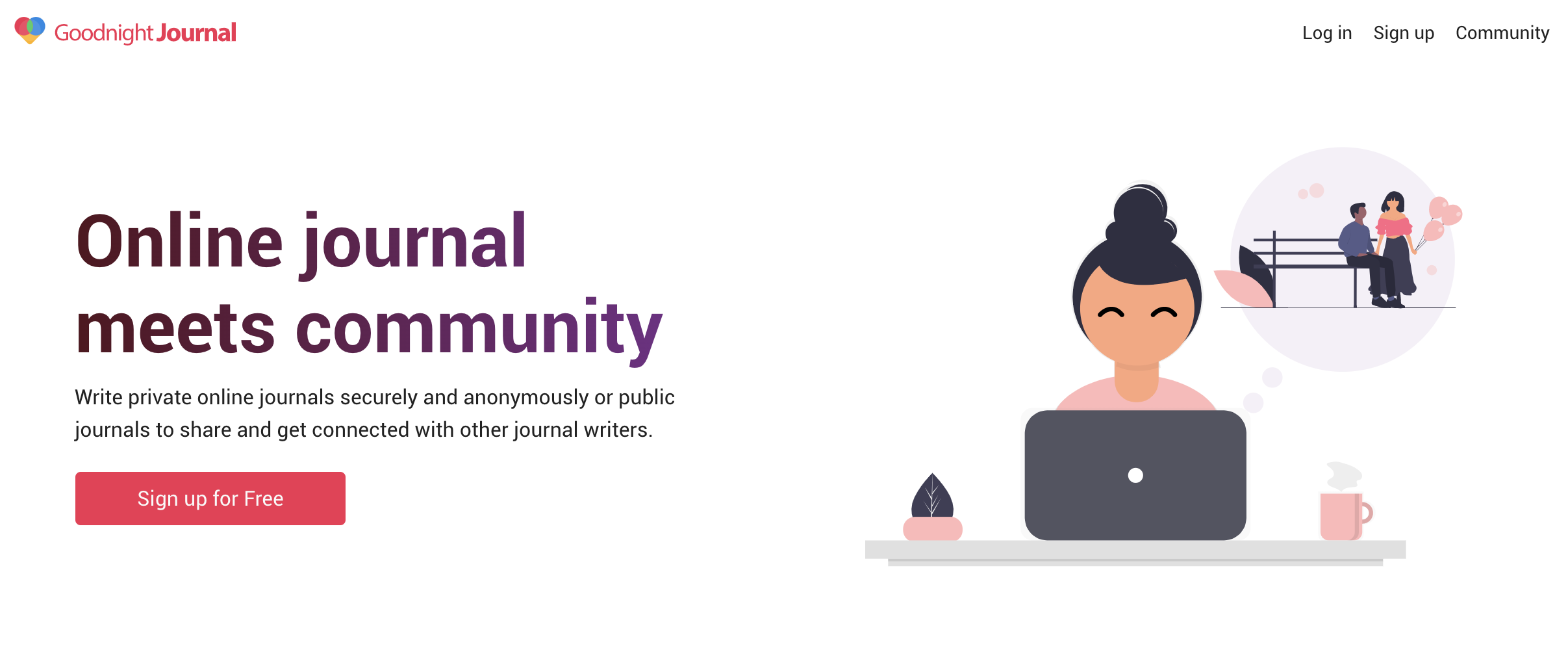
Our iPhone app covers the basics properly — autosave, reminders, prompts, dark mode, and a PIN or fingerprint lock so the app will not open just because the phone is unlocked. But the two reasons to choose it over the options above are specific.
It is not locked to Apple. The platform is web-first, so the iPhone app and the desktop site are genuinely the same journal. If you use a Windows laptop, or you are not certain you will own an iPhone in five years, that matters more than any feature.
It has a community. Entries are private by default and sharing is a per-entry decision, never an account-wide setting — so years of writing can stay yours while you publish the one entry you want read. Writing something you assumed was uniquely strange and finding several people who have written almost the same thing is a particular kind of relief, and it is what keeps a lot of people writing on the days they would otherwise skip. Apple Journal and Day One are both sealed boxes by design.
Daylio
If the real problem is time rather than inspiration, Daylio beats everything here. You tap a mood, tap what you were doing, and the entry is finished in about ten seconds. Months later the charts show which activities reliably lift your mood and which flatten it.
It is a mood tracker, not a diary, so if you want to write in sentences look above. But it is the habit most likely to survive a bad week, and a habit that survives bad weeks is worth more than one that only works when you are already doing well.
iPhone-specific things worth checking
Face ID or a passcode on the app itself. The realistic threat to your diary is not a hacker — it is someone who knows you picking up your unlocked phone. An app that demands Face ID before it opens closes that gap; your phone's lock screen alone does not.
Turn off notification previews. A daily reminder that shows your last entry on the lock screen is a leak with a friendly face.
Check what iCloud means for your journal. iCloud sync is convenient and it is also lock-in. Know whether your entries can leave before you have three years of them.
Find the export in week one. Not week one hundred. This applies to Apple's app most of all.
Which one
You have not journaled before, or the blank page defeats you — Apple Journal. Free, already installed, and the suggestions genuinely work.
You want the best app and you are all-Apple — Day One, especially if you need end-to-end encryption.
You use a Windows machine too, or you want a community — Goodnight Journal.
You have ten seconds a day — Daylio.
For more, see how to choose the right online journal app, how to keep a journal private online, and the Android version of this list, where the answer is different.